 Repeto
manzana
apple
nounfeminine
“Como una manzana al día.” — I eat an apple a day.
A new word. Your lecture notes. That PDF you need to know. Repeto turns them into flashcards and plans when to review, so you can spend your time learning—not making cards.
Free to start · No credit card · Bring your Anki decks
Interactive examples of AI flashcards: Spanish vocabulary with a translation and example, a biology definition, a history question, and Japanese vocabulary. Each example uses a different input and deck.
The same decks and reviews on the web, iPhone, iPad and Mac. Keyboard shortcuts keep you moving. Previously loaded study content stays available offline; saved reviews sync when you reconnect.
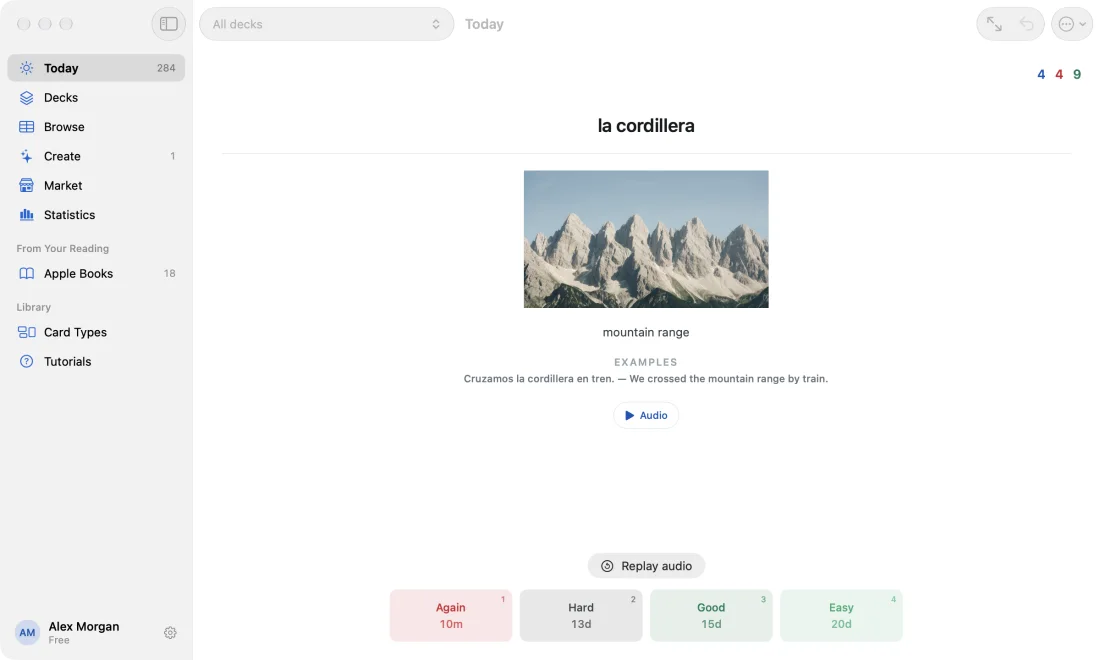
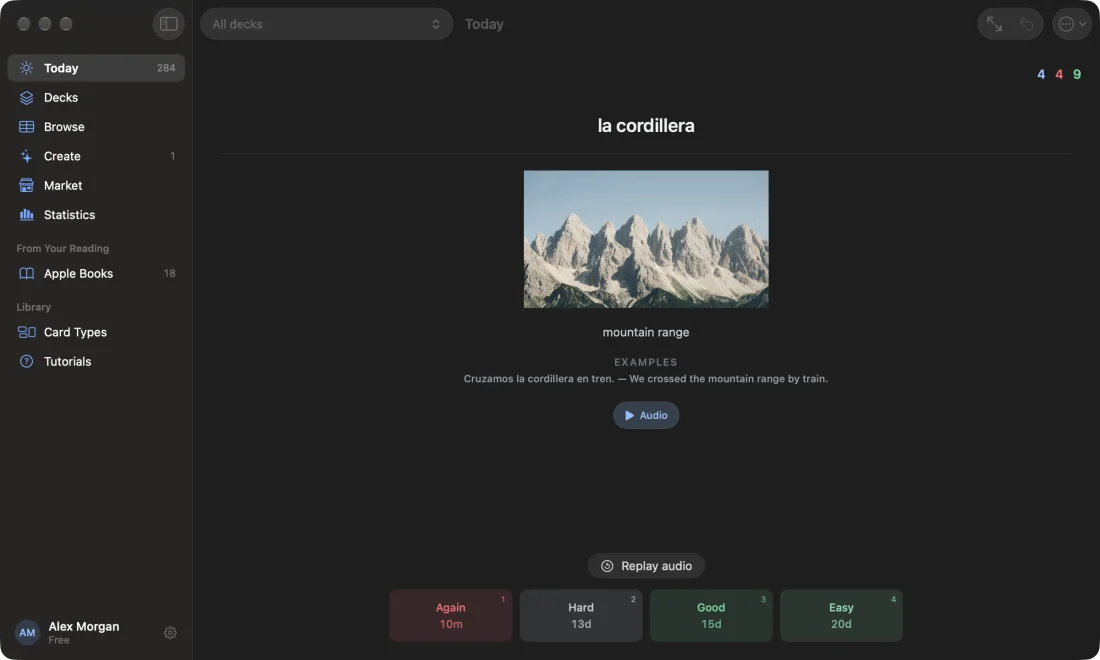
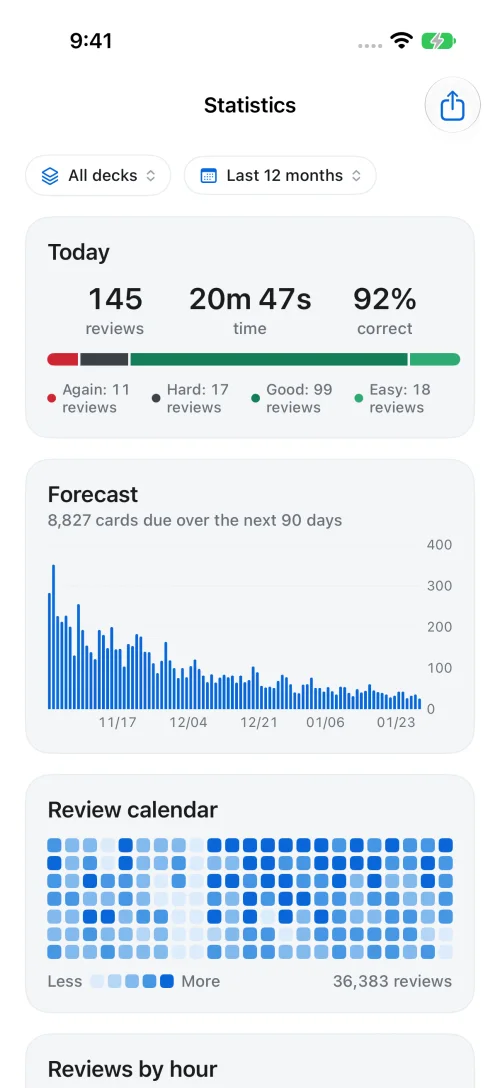
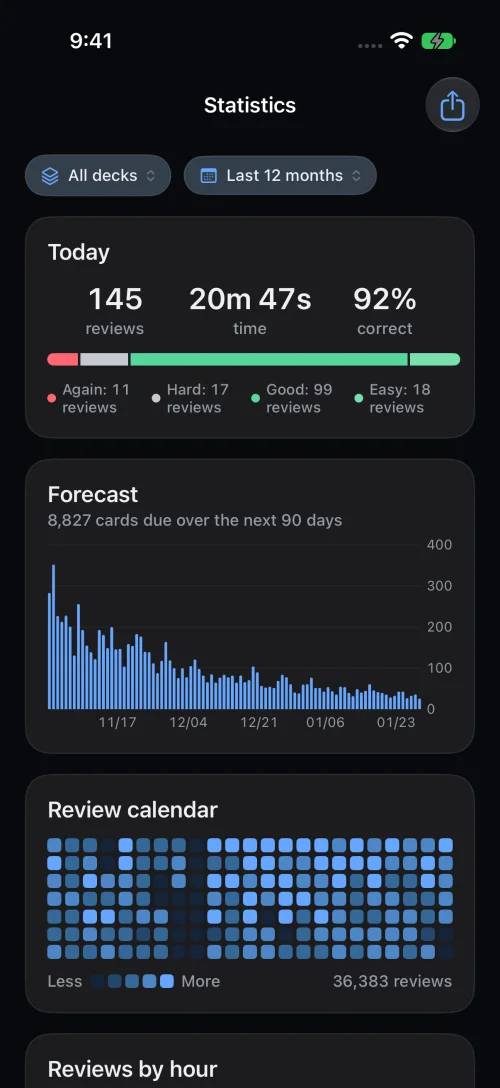
One small session. A start worth making.
Try to recall the answer, then reveal it. Choose Again, Hard, Good, or Easy. Repeto uses your answers to decide when to bring that card back.
No need to plan every session. Open your queue and review the cards that are ready—even when you only have a few minutes.
Try a card in the demo. Click to reveal the answer, or focus the card and use Space, then 1–4 to rate it.
Knowing something today does not mean it will be easy to recall next week. Spaced reviews help reinforce what you learn. FSRS uses your review history to adjust the timing for each card. This chart illustrates the idea; it is not a prediction of your results.
A few cards over coffee. A short session between classes. Watch those study days add up. Miss a day? Your cards will be here when you return.
Words need examples. Concepts need clear explanations. Exams need good questions. Choose a card style for each deck, add your instructions, and edit the results to suit what you are learning.
Make a batch from several terms. Add instructions like “use Latin American Spanish”, “answers under 10 words”, or “include IPA”. You can edit every card; check important facts against your source.
Add a PDF, lecture recording, article, or textbook photo. Repeto turns the material into questions and answers in your chosen card style. Less copying. More time to understand it.
Follow progress while longer files are processed. Before studying, check the cards against your material and edit or remove anything that needs work.
Bring a compatible Anki .apkg deck into Repeto. Check the import preview, including its cards and media, before you confirm. You can export to Anki too—your decks do not have to stay here.
Ready to export? Export deck → .apkg
Making your own cards and reviewing them are free. Pro adds more AI generation, cards from your study material, and extra media storage.
Web checkout and billing by Polar
Find the best flashcard app for your study workflow by testing card creation, editing, scheduling, portability, offline use, and real weekly cost.
Compare AI flashcard tools with the same source and seven practical checks: card quality, editing, scheduling, portability, citations, privacy, and price.
A practical card format for Spanish verbs, irregular forms, and example sentences—without turning one flashcard into an unreadable conjugation table.
Yes. The free plan includes unlimited manual cards and reviews, FSRS scheduling, 10 AI card generations a week, Anki import and export, and 100 MB of media storage. Pro adds up to 1,000 AI cards a day, card generation from study material, and 5 GB of media storage.
You can import and export compatible Anki .apkg decks, including cards and media. Check the import preview before confirming, especially for decks with custom templates or newer package formats. Imported cards use FSRS for reviews, and you can export your decks again.
Previously loaded study content is available offline in the web app. Your review answers are saved on the device and sync when you reconnect and keep the app open. Signing in, generating cards, importing files, and loading new content require an internet connection.
Start with a word, pasted notes, a PDF, a Word document, an article or Wikipedia link, a textbook photo, or an uploaded audio or video file. Audio and video are transcribed first. YouTube links are not supported. Cards are editable, so check them against your source before studying. Generating from study material is a Pro feature.
Yes. Edit questions and answers, add context, and remove cards you do not need. AI can make mistakes, so check important facts against your source before you study.
FSRS stands for Free Spaced Repetition Scheduler. It uses your review history and retention setting to estimate when each card should return. Rate an answer Again, Hard, Good, or Easy, and the schedule adjusts. It is an open algorithm also used in Anki.
Yes. Export your decks as .apkg files. You can also delete your account and its data from the app. Export anything you want to keep before deleting your account.
Yes. Repeto is on the App Store for iPhone and iPad, with an Apple Watch app for quick reviews. There's also Repeto for Mac and the web app at app.repeto.ai. Sign in with the same account and your cards and progress stay in sync.
Start with a word or an idea you keep looking up. Make your first card, try a review, and build from there.
Free account · 10 AI cards a week · No credit card